SOLIDWORKS vs Onshape | Your Guide for Choosing a CAD Ecosystem

When starting to learn 3D modeling, one of the first things you will do is pick which CAD tool you want to learn on. There are many to choose from, such as SOLIDWORKS, PTC Creo, Fusion 360, and Onshape.
When comparing SOLIDWORKS vs Onshape, you’ll find there are some similarities but also some major fundamental differences. Depending on your use case, one CAD platform might be a better choice than the other. Keep reading to find a technical breakdown comparing Onshape and SOLIDWORKS.
Comparing SOLIDWORKS vs Onshape
While there are a lot of similarities in the two CAD packages, this is not an exercise in distinction without a difference. SOLIDWORKS has a head start in development, and this shows in the maturity and popularity of the software. Onshape is comparatively a newer entrant in the 3D CAD space with 20 years fewer releases than SOLIDWORKS.
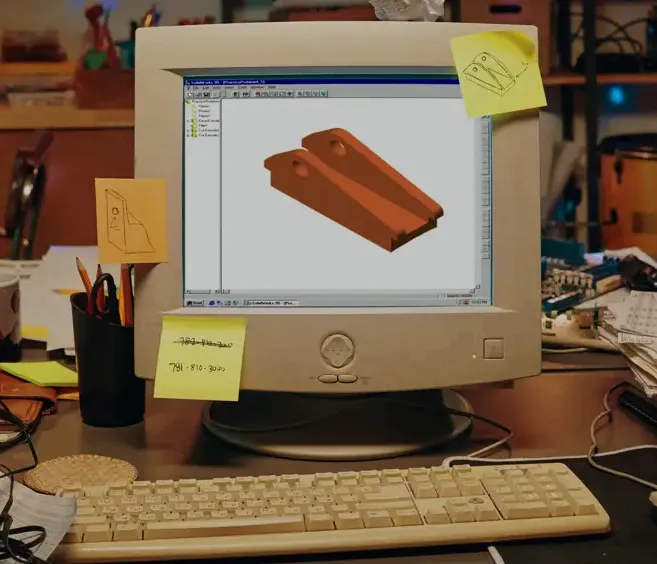
The original SOLIDWORKS user interface from 1995
When starting a design or learning a new CAD system, how do you decide which tool is right for you? Let’s answer that question by diving into some key functionalities and facts when comparing Onshape vs SOLIDWORKS.
What is Onshape?
Onshape is a web-native, feature-based parametric solid modeler based on the Parasolid kernel, which is licensed. Onshape is developed by the former SOLIDWORKS executives and engineers and was acquired by PTC in 2019. The design intent is very similar to SOLIDWORKS because of the similarities in development.
However, Onshape has adopted the SaaS (Software-as-a-Service) business model, which is also used in other contemporary software, such as Office 365, Autodesk Fusion 360, and Adobe Creative Cloud. Onshape will create parts, assemblies, and drawings for design. Rather than being able to save and work locally, the files are stored and managed online in a built-in web-based data management system.
What is SOLIDWORKS?
SOLIDWORKS is a Windows-based application that runs on a desktop computer. Like Onshape, it is a feature-based parametric solid modeler based on the Parasolid kernel. It was acquired by Dassault Systèmes in 1997. SOLIDWORKS will create parts, assemblies, and drawings for design. The files are typically stored locally on a machine like any other file or in a dedicated data management system, whether server or cloud-based.

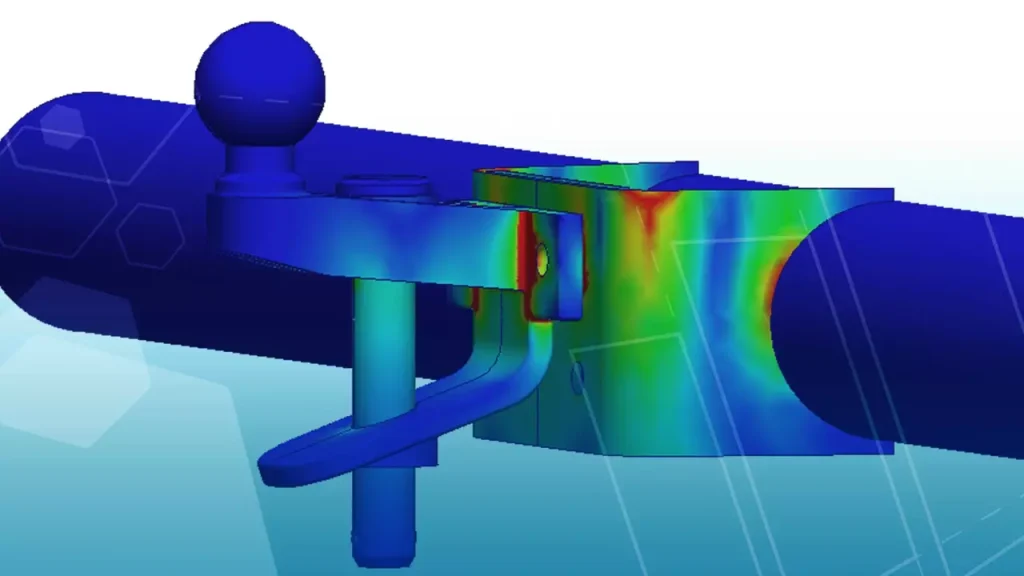
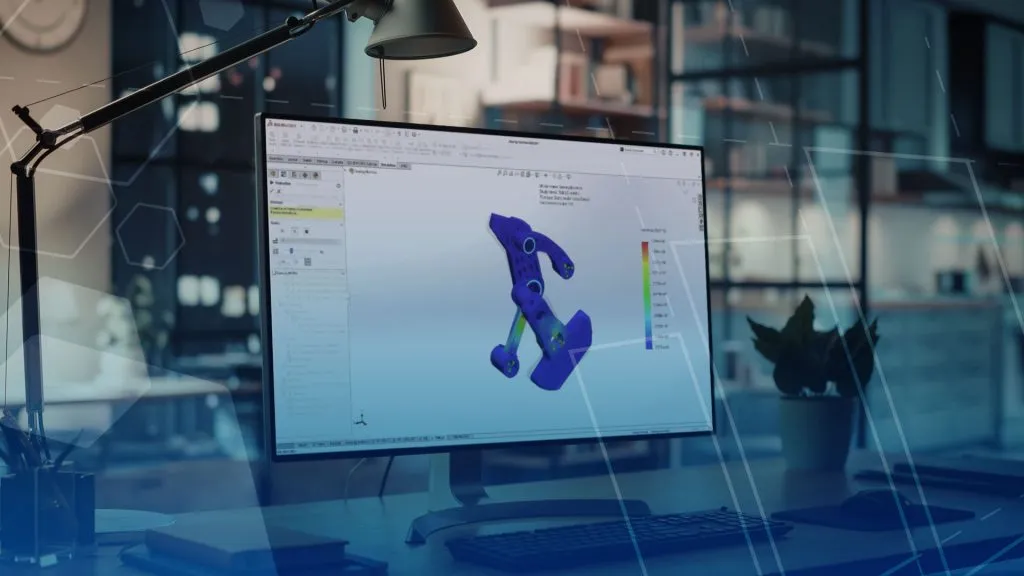
SOLIDWORKS interconnected engineering ecosystem
Of the emerging 3D CAD programs, SOLIDWORKS stood out for a user-friendly experience and comparatively low price point. Today, SOLIDWORKS is the most widely used professional 3D CAD software worldwide, enabling users to rapidly design parts, assemble them into models to visualize the physical layout and interaction between components, and create 2D drawings by simply dragging and dropping the projections of 3D models.
Why use Onshape?
Onshape uses a yearly SaaS model for licensing software, so usage anywhere requires access to the internet for a named user and a continually paid subscription. Capabilities are extended by partner add-ins for CAM or simulation solutions.
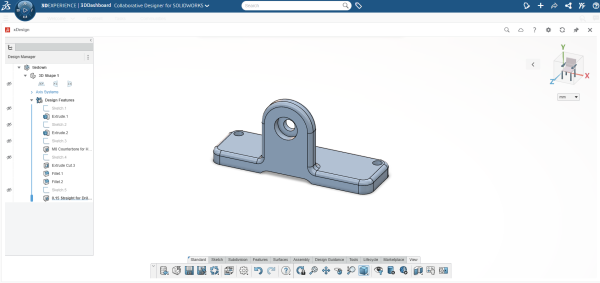
Using SOLIDWORKS xDesign to design a model
Because Onshape runs in a web browser online, it can be used on multiple operating systems, such as Linux and IOS. Updates and computations are automatically performed online, reducing the level of the prerequisite hardware and some of the needs for IT staff. However, since you are always on the latest version with updates out of your control, the environment could change without much say in the matter.
Why use SOLIDWORKS?
SOLIDWORKS is the industry-leading 3D CAD solution for a reason. It allows users to rapidly design parts, place them into assemblies to understand the physical layout and interaction between components, and create 2D drawings by simply dragging and dropping the projections of 3D models. There is an entire ecosystem of tools built around the tool and directly supported by SOLIDWORKS for simulation, manufacturing, and documentation, in addition to other partner products.
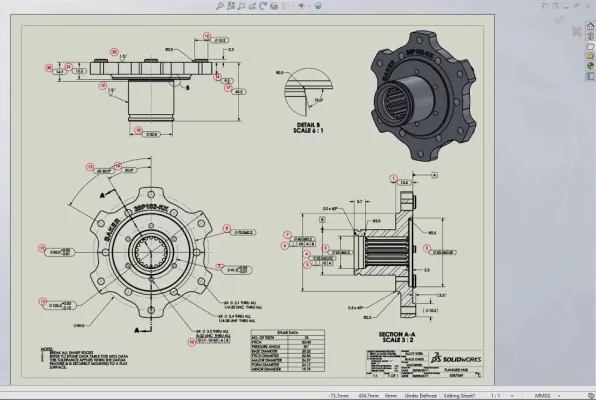
Creating detailed SOLIDWORKS drawings with ease
SOLIDWORKS has options for licensing that are term-based (three months or one year) or perpetual, which do not require a connection to the internet once it is activated. Once activated, SOLIDWORKS can be used by any user who has access to the machine since the installation is installed locally on the Windows PC. As the software is installed locally, a computer that meets the prerequisite hardware to run SOLIDWORKS is recommended.
Onshape vs SOLIDWORKS Breakdown
As mentioned previously, SOLIDWORKS and Onshape share similarities due to their similar Parasolid-based kernel, but have key fundamental differences.
| Feature | Onshape | SOLIDWORKS |
|---|---|---|
| Licensing Model | Term Subscription only | Perpetual or Term Subscription |
| Version Control | Built-in, automatic, limited control | Manual or automated with SOLIDWORKS PDM for full control |
| File Management | Cloud-native, no local files | Local files, network drives, or cloud storage |
| Platform | Cloud-based (runs in a browser) | Desktop-based (Windows only) |
| Installation | No installation needed | Requires installation and supported hardware |
| OS Compatibility | Operation system aganostic | Windows only |
Generally speaking, if you want the industry-leading CAD platform with the most room for growth, you choose SOLIDWORKS. Not only is SOLIDWORKS equipped to work on small assemblies or complex, resource-intensive projects, but it also has one of the largest support systems available. Typically, if you run into a design challenge or need help improving a workflow, the chances are that someone else has already encountered and solved those same problems.
How TriMech Helps with SOLIDWORKS
The TriMech Group is committed to helping you get up to speed with SOLIDWORKS and supporting your long-term growth. Our hundreds of technical experts spread across many SOLIDWORKS disciplines can help you solve your toughest challenges. Whether through a certified SOLIDWORKS training course or dedicated technical support, you can lean on our expertise to make the transition to SOLIDWORKS seamless.
How to Choose the CAD Software for Your Team
If you want to use a cloud-based CAD ecosystem but stay in touch with your SOLIDWORKS roots, the 3DEXPERIENCE platform has a host of tools to achieve that. You can leverage both traditional desktop SOLIDWORKS and work collaboratively with SOLIDWORKS xDesign users in the cloud. The functionality available in the SOLIDWORKS cloud products can extend beyond what was traditionally thought possible and keep the SOLIDWORKS ecosystem as your number one choice.

Related Service
Ready to learn more?
Whether you need expert guidance, product support, or simply explore your options, our team is here to help.