By
By Selecting your simulation software is a crucial step in the design process. It will not only affect efficiency and scalability, but also collaboration within your team. Both SOLIDWORKS Simulation and Ansys are top-of-the-market tools; however, they cater to different styles and workflows.
Comparing SOLIDWORKS Simulation vs Ansys is an important discussion to have with a trusted technical advisor to ensure that the selected tool best matches your workflow.
Differences Between SOLIDWORKS Simulation vs Ansys
Virtual simulation software is made by companies all over the industry, but each has its own unique design philosophies and capabilities to offer. With this software, engineers are making development decisions based on simulation results and preventing costly mistakes in the process.
With the accuracy of simulation improving, iteration without copious amounts of printed prototypes is made possible, effectively moving the design process along.
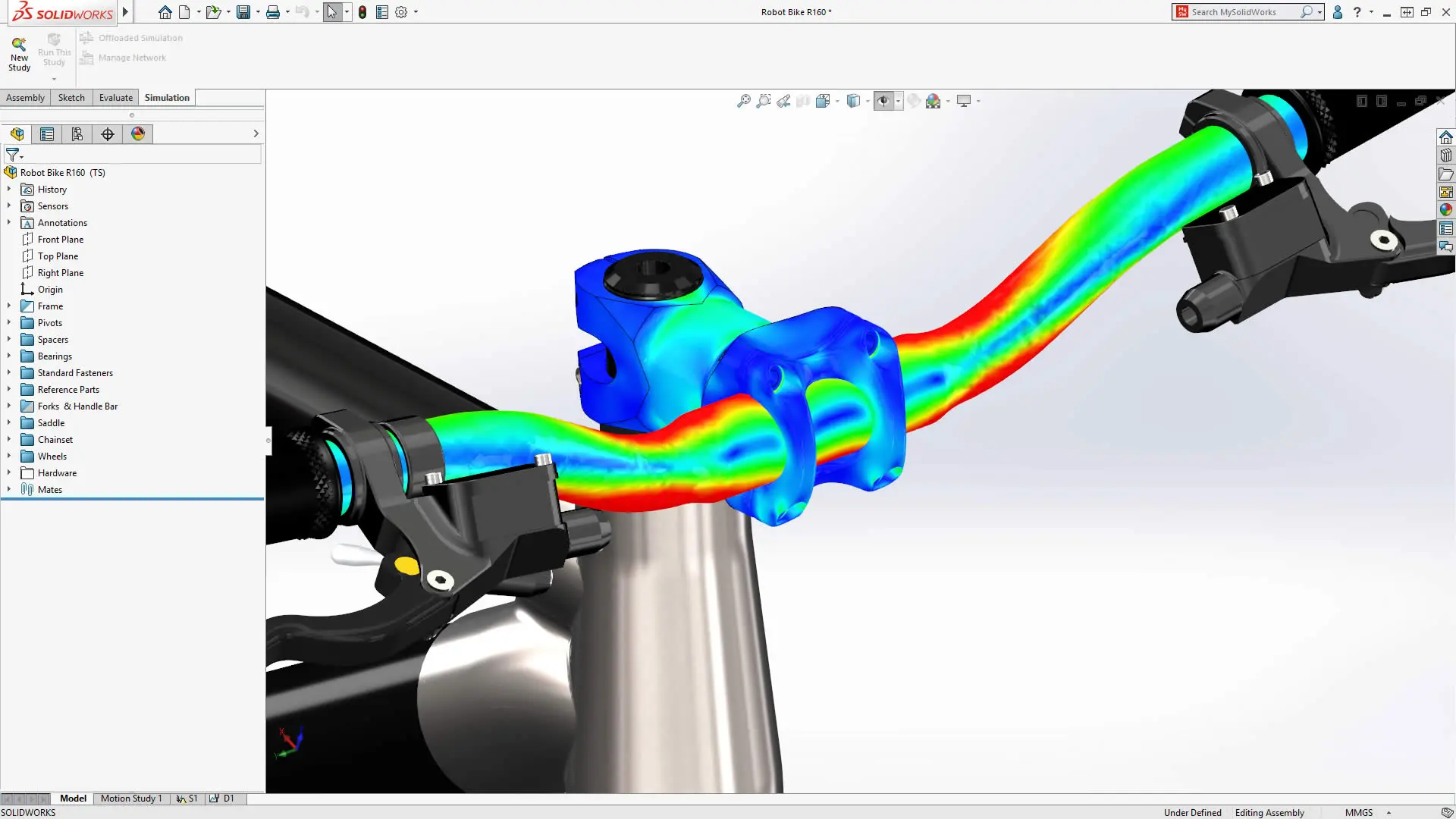
SOLIDWORKS Simulation analysis and FEA analysis
Ansys and SOLIDWORKS Simulation prioritize different objectives, helping users choose which technology will suit them. While SOLIDWORKS Simulation favors validation in the early stages of designing, Ansys focuses on high accuracy for more complex situations. Ansys offers a vast number of specialized capabilities, and SOLIDWORKS Simulation offers a number of capabilities with an intuitive approach.
What is Ansys?
Ansys is a computer-aided engineering software for product design, testing, and optimization that isn’t tied to a specific CAD platform. It provides virtual access to almost any engineering simulation that may be required, such as fluid dynamics, electromagnetics, and multiphysics coupling.
The Ansys Workbench allows integration of data across its engineering simulations for accurate models and Ansys products data management. It is included in all of the Ansys software bundles, but adds additional steps to collaboration.
What is SOLIDWORKS Simulation?
SOLIDWORKS Simulation is an intuitive and powerful tool that allows engineers to test new ideas virtually. It is a quick and efficient evaluation of performance that leads to improved quality and knowledge. The software eliminates wasted time waiting for pricey prototypes to test and improve efficiency.
SOLIDWORKS Simulation contains analysis capabilities that allow for quality, safety, and performance validation during the design process. Each capability can be applied to a multitude of scenarios devised by engineers in their CAD environment. Additionally, you do not have to leave the CAD environment to use SOLIDWORKS Simulation, as it operates directly in the SOLIDWORKS user interface.
Why Use Ansys?
Ansys has the capabilities to run simulation studies on many different domains, including vibrations, composite materials, and durability. The range of functionality is aided by middleware to connect to common CAD software, such as AutoCAD, Creo, NX, and SOLIDWORKS.

SOLIDWORKS Simulation results in eDrawings
The highly specialized and scenario-specific software has seven license options that span from a few to most capabilities and tend to be a more expensive option. With this many licenses and scenarios, package selection to suit your needs can become more confusing and tedious.
However, Ansys is not as intuitive as SOLIDWORKS Simulation, and learning the interface and software can cause a delay. You must be ready to invest time and money into the software.
Why Use SOLIDWORKS Simulation?
With capabilities ranging from linear static analysis through composite materials, impact, and nonlinear dynamics, SOLIDWORKS Simulation can help you analyze motion, verify designs, understand environmental effects, and visualize effects that are nonlinear.
To extend this further, it is tightly integrated with SOLIDWORKS, making your analysts feel right at home.
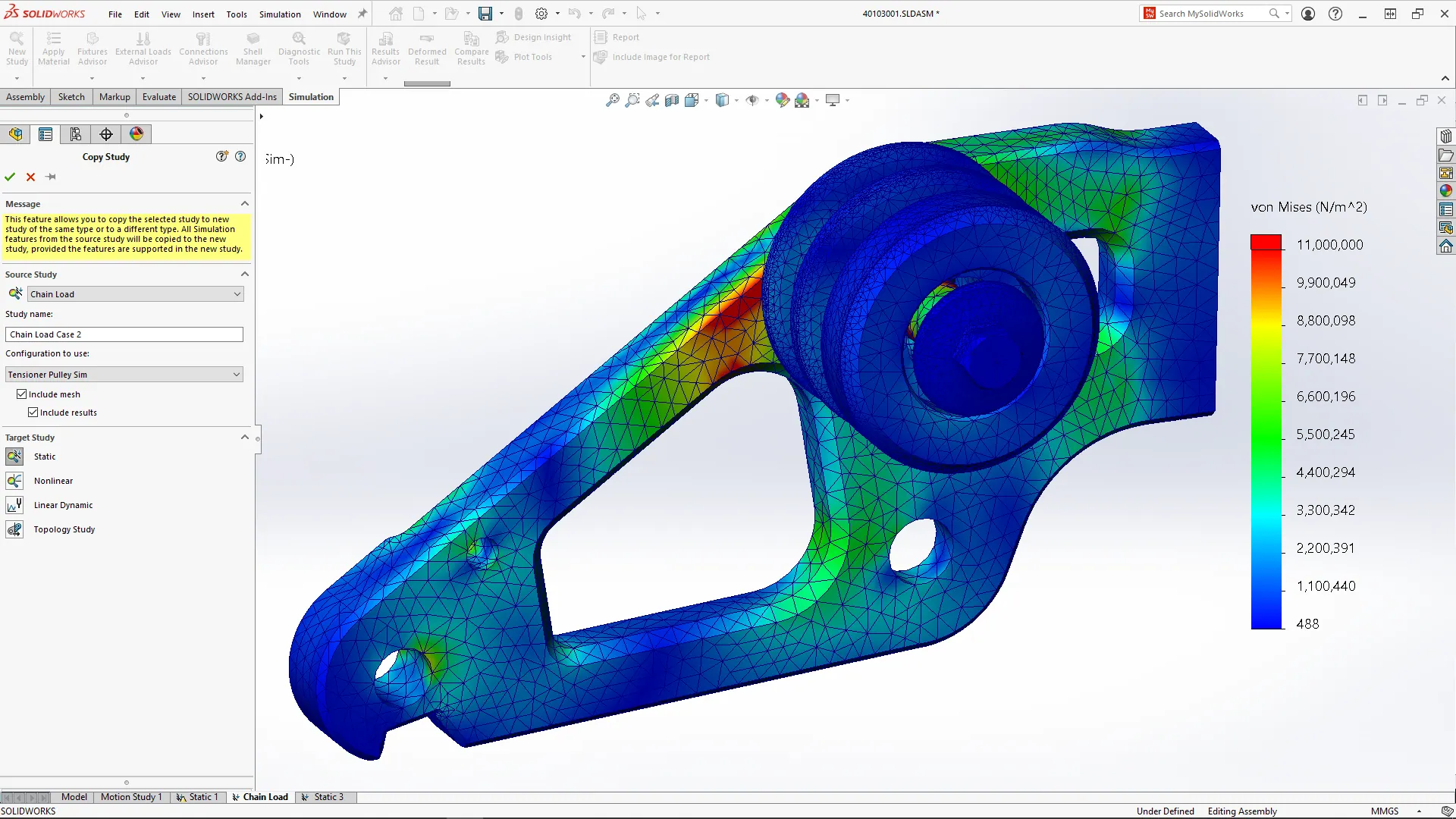
SOLIDWORKS Simulation results from a static study
SOLIDWORKS Simulation offers three packages that vary in capabilities. Each package builds on another, allowing for easy upgrades and the elimination of confusion surrounding license capabilities.
Still Deciding on SOLIDWORKS Simulation vs Ansys?
If you are still deciding on Ansys vs SOLIDWORKS Simulation, the best choice of simulation software will depend on what you seek for your designs.
While Ansys offers many scenario-specific models, it may steer users away due to its complexity inside and outside of the simulation environment. If you want user-friendly software, easy-to-understand packages, and the ability to work in the SOLIDWORKS platform directly, then SOLIDWORKS Simulation is a great place to look.
How TriMech Helps Decide Between Ansys and SOLIDWORKS Simulation
With over 35 years of expertise, our team is here to help you choose the future of simulation software for your organization. A new simulation platform is an investment, so we partner with you to set you up for future success.
TriMech can help you train employees, shift to a larger scale, and provide tech support, so you can achieve your goals. We offer certified analysis trainers, flow simulation advanced professionals, and certified simulation advanced professionals.

Related Software
SOLIDWORKS
SOLIDWORKS 3D CAD software includes design, simulation, technical communication, and data management features. Powering innovative design with specific tools that help you work more efficiently so you can make better design decisions.