By
By Choosing a SOLIDWORKS Simulation package can be a difficult choice and is based on the tools you will need for product development. Ensuring your team has capable tools to enable short, medium, and long term success can help you reduce development costs while still producing high quality designs.
SOLIDWORKS Simulation is a great option for teams who want to extend their SOLIDWORKS skillset with accurate, capable simulation tools.
What is SOLIDWORKS Simulation?
SOLIDWORKS Simulation allows for easily accessible virtual testing of your parts and assemblies to help reduce prototyping, remove guesswork in the design process, and optimize designs. If you are already a SOLIDWORKS user, then your license will have access to some simulation capabilities already.
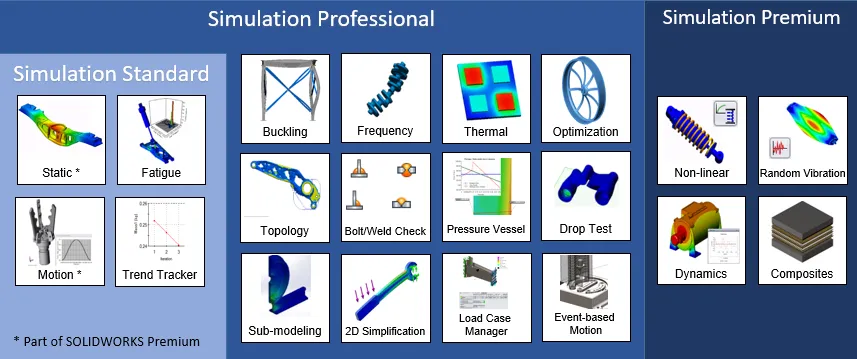
SOLIDWORKS Simulation package offerings visualized
SimulationXpress is a first pass stress analysis tool that allows for linear static studies of parts and is included in all levels of SOLIDWORKS. Additionally, if you have a SOLIDWORKS Premium license, you will get many of the benefits of SOLIDWORKS Simulation Standard, but with some key differences.
Available SOLIDWORKS Simulation Packages
It is important to look at each level of SOLIDWORKS Simulation and see the main features and benefits within that can help you achieve your design goals. SOLIDWORKS Simulation comes in Standard, Professional, and Premium levels, each with their own capabilities.
SOLIDWORKS Simulation Standard
If you want to take a step up from SOLIDWORKS SimulationXpress or the simulation features of a SOLIDWORKS Premium license, take a look at the SOLIDWORKS Simulation Standard license.
Key features allowed by SOLIDWORKS Simulation Standard include:
- Linear Static Studies for Parts and Assemblies
- Fatigue Studies
- Motion Studies
- Trend Tracker
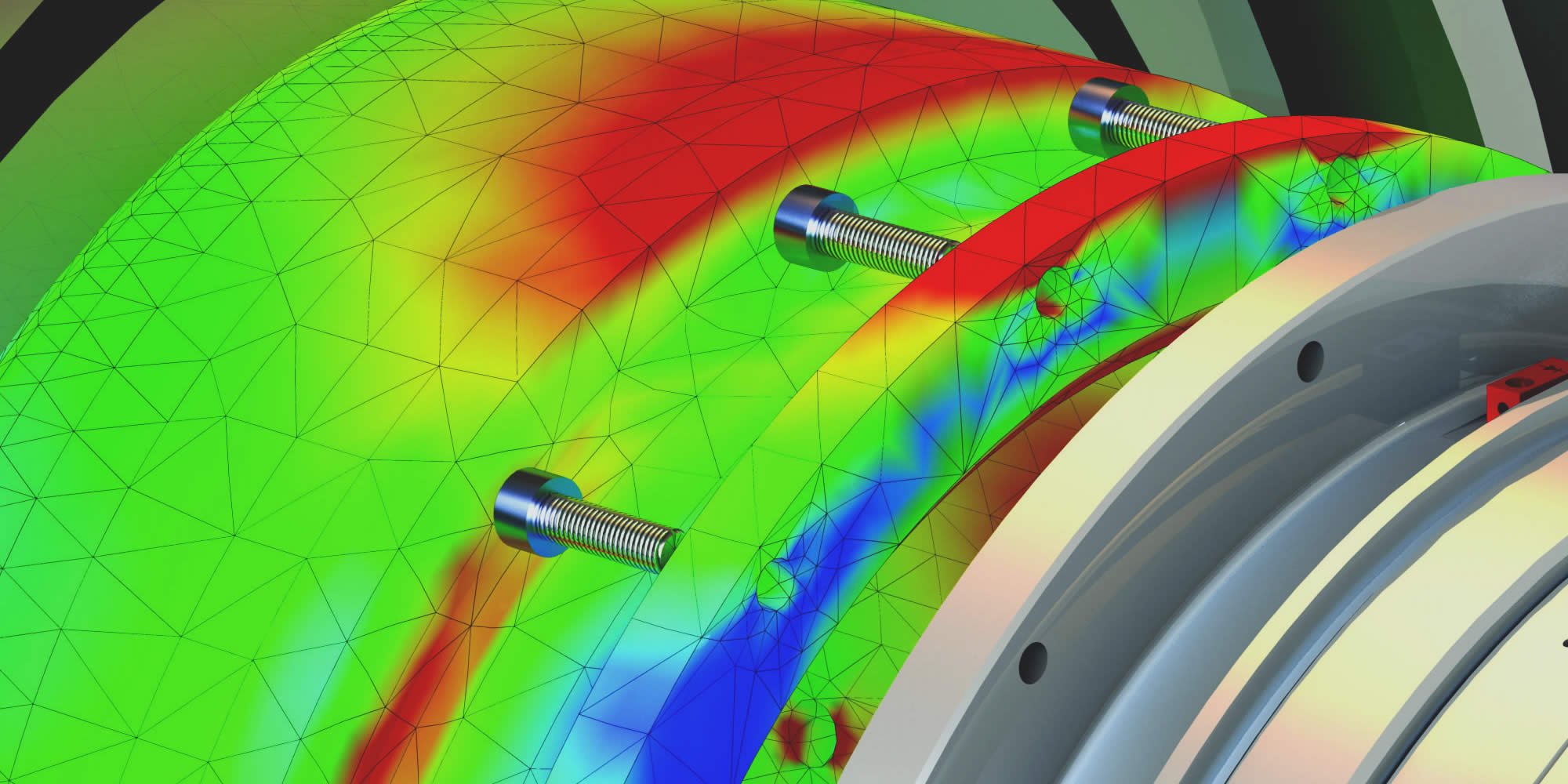
SOLIDWORKS Simulation Standard linear static and finite element analysis
The toolset included with this level enable your team to start engineering analysis to see if your parts and assemblies will fail under a prescribed loading.
SOLIDWORKS Simulation Professional
SOLIDWORKS Simulation Professional license which will include all the tools from SOLIDWORKS Simulation Standard, as well as several new capabilities to suit your more complex simulations.
Additional functionality with SOLIDWORKS Simulation Professional includes:
- Buckling
- Conductive Heat Transfer
- Optimization Studies
- Drop Testing
- Frequency Analysis
Topology studies utilize generative design to optimize your part for a variety of design goals. For convection and radiation studies, you’ll need SOLIDWORKS Flow Simulation, which can perform CFD analysis.
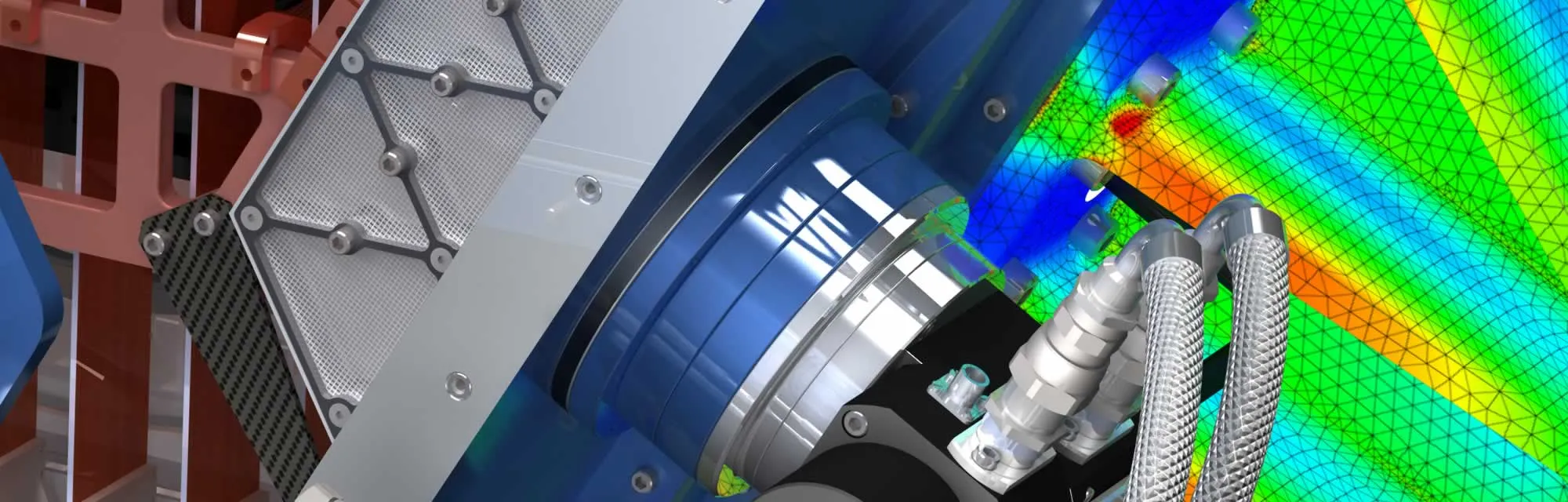
SOLIDWORKS Simulation Professional results
Submodeling simulation and 2D simplification are two critical features of SOLIDWORKS Simulation Professional if you need to perform simulations of larger assemblies.
SOLIDWORKS Simulation Premium
SOLIDWORKS Simulation Premium is a must-have for teams working with composite materials, elastomers, or dynamic loading scenarios. This package builds off of SOLIDWORKS Simulation Professional and includes access to additional simulation abilities.
Additional capabilities inherited with SOLIDWORKS Simulation Premium are:
- Linear Dynamics
- Nonlinear Loading and Materials
- Composites
- Random Vibration Anyalysis
Nonlinear studies is paramount to help to solve either dynamic loading scenarios or for when stresses leave the linear elastic zone.
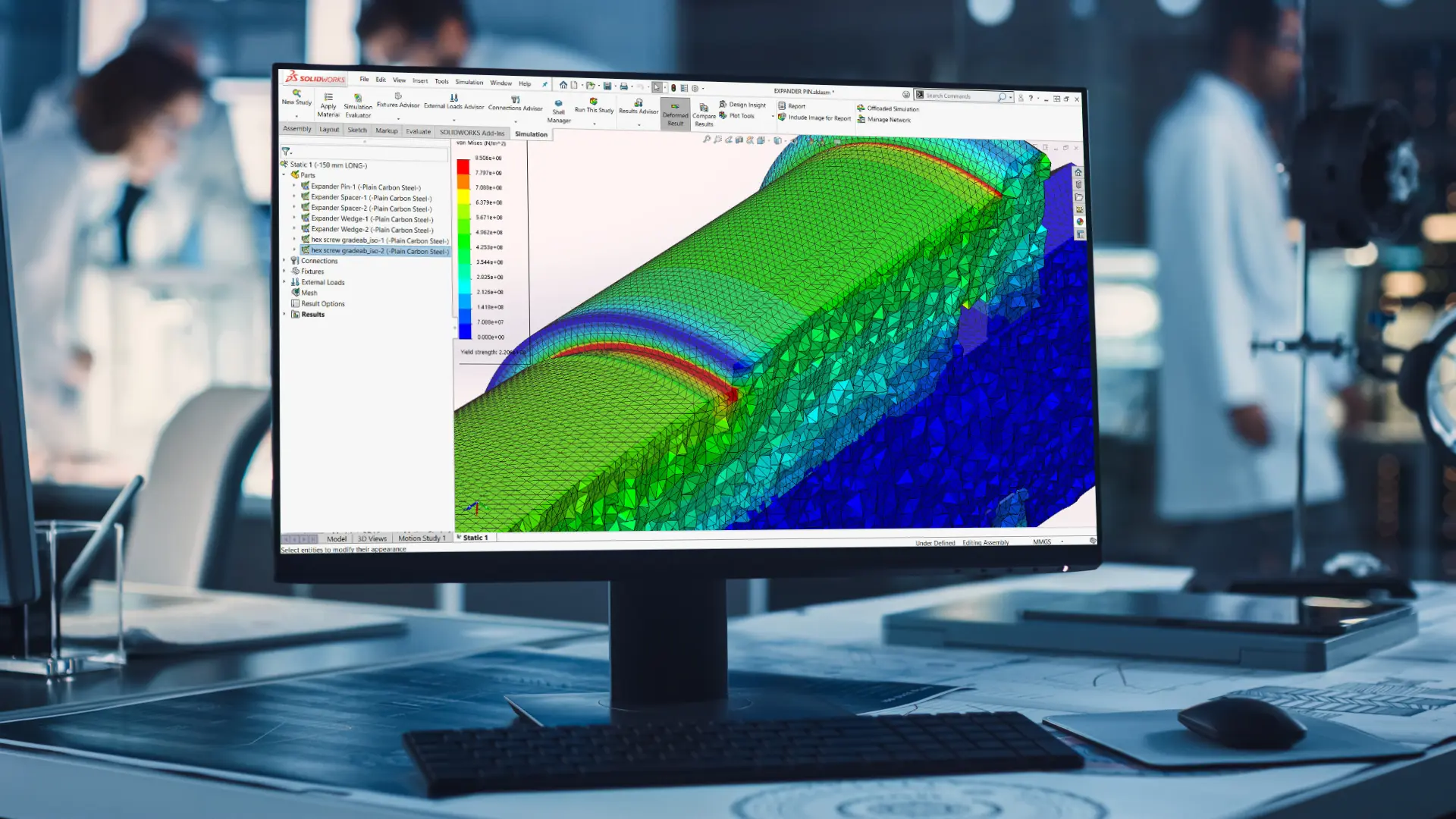
SOLIDWORKS Simulation Premium
SOLIDWORKS Simulation Premium enables engineering teams to virtually validate complex scenarios in a familiar and easy to use interface.
Need More than SOLIDWORKS Simulation?
If your simulation needs are not covered by SOLIDWORKS Simulation, SIMULIA is the next step. SIMULIA is part of the 3DEXPERIENCE platform and provides unique solutions that extend beyond basic simulation.
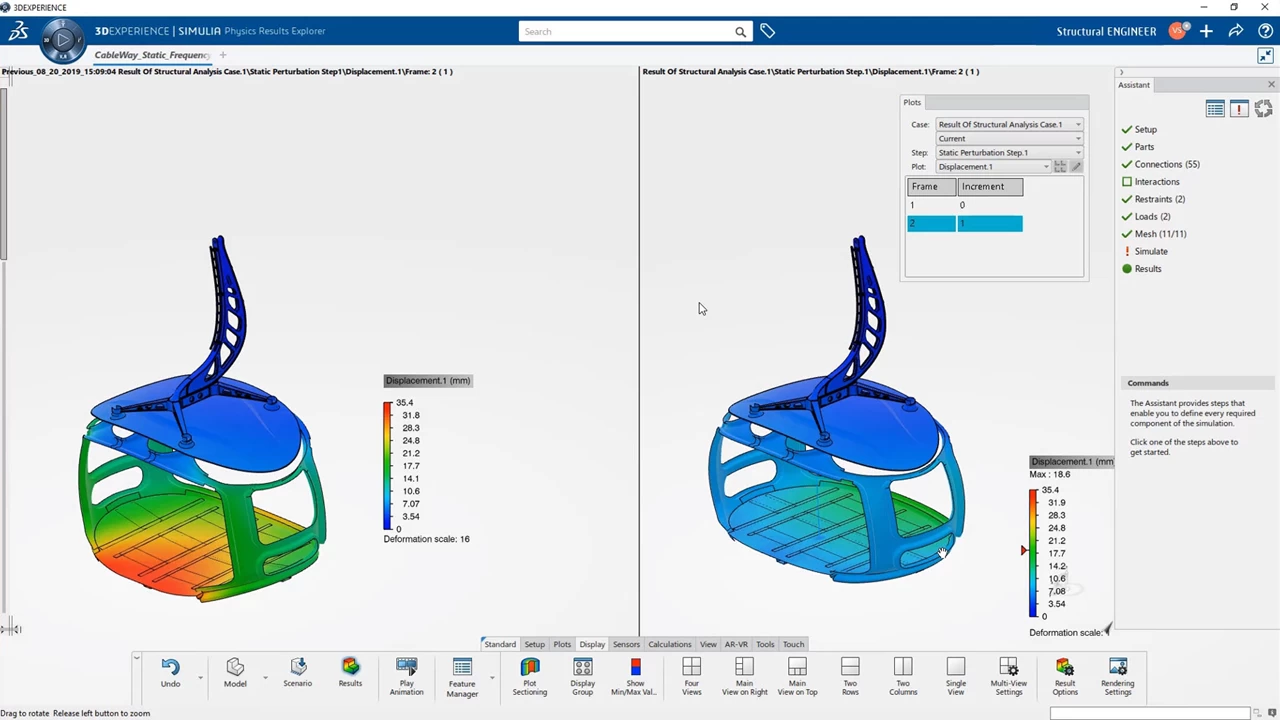
SIMULIA Structural Engineer role
SIMULIA contains different meshing technology and simulation solvers than enable advances simulations beyond what is capable with SOLIDWORKS Simulation. By leveraging the ABAQUS solvers within SIMULIA, you can run high-end simulation studies while staying tightly integrated to the SOLIDWORKS ecosystem.
Need Help Choosing a SOLIDWORKS Simulation Package?
With decades of experience with SOLIDWORKS Simulation, our team can help you choose a package that will best suit your needs. Investing in this software and partnering with TriMech will give you access to supplementary resources.
If you have access to SOLIDWORKS Simulation tools but do not know where to start, TriMech offers instructor-led training to help you optimize your studies. For shorter term projects where investing in a simulation solution doesn’t make sense, we also can help out with consulting projects and simulation service work.
Reach out to us and let us know how we can help be your trusted partner in making your business more efficient.

Related Software
SIMULIA
SIMULIA software accelerates the process of evaluating the performance, reliability and safety of materials and products before committing to physical prototypes.