How to Choose the Best CPQ Software for Your Business

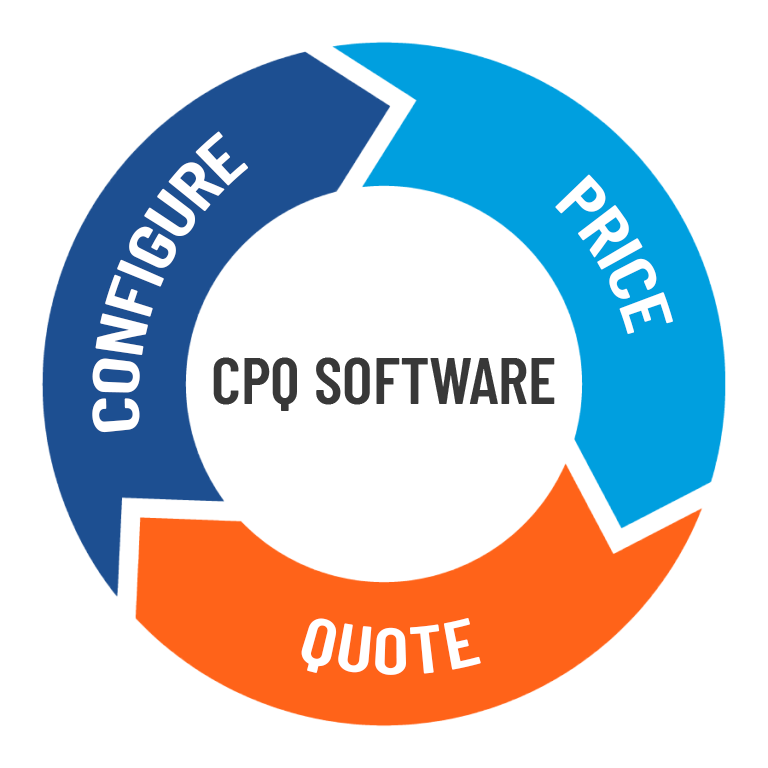
In today’s digitally driven sales landscape, many manufacturers are beginning to feel the pressure and are wondering how to choose the best CPQ (Configure Price Quote) software.
As one client put it, “Our competitors are already doing this; we need to catch up.” That sentiment captures the broader trend well. Some organizations are reacting to competitive urgency, while others are proactively pursuing CPQ as part of their strategic roadmap.
What to Consider When Choosing a CPQ Software
No matter what’s driving the conversation, pressure from the market or a desire to modernize, the path to success starts the same way: choosing the best CPQ software, understanding what the implementation journey really looks like, and knowing the common pitfalls before you hit them. These early steps set the tone for a smooth and successful rollout.
Understand Your Automation Goals
This section could easily be called “Biting Off More Than You Can Chew.” It’s common for teams to want to automate everything right from the start, but that approach isn’t realistic, and it’s not recommended. Trying to do too much at once can overwhelm the project, slow down progress, and delay your return on investment.
Before jumping into any automation effort, take time to look inward. Understand how your colleagues process information, document how quotes move through the business, and map out your sales and quoting workflow. This exercise makes it clear where automation can have the biggest impact. From there, set focused goals, maybe it’s eliminating manual quote generation or streamlining product selection. Starting with clarity sets you up for long-term success.
Target Quick Wins for Long-Term Success
We always suggest starting small by automating a single part or sub‑assembly. Begin by building a simple form for your most frequently configured product, or pick one process that creates the biggest bottleneck and tackle that first.
Collect those early wins! They build momentum, save time, and give you space to refine and expand your automation strategy as you go.
Define the User Base
Start by clearly understanding who will be using the configurator and what they need it to do. The goal isn’t just to build something powerful; it’s to build something people genuinely want to use. That means building early, releasing simple versions quickly, gathering feedback, and continuing to refine based on real user input.
This approach closely mirrors the Minimum Viable Product (MVP) concept popularized by Eric Ries in The Lean Startup, where the focus is on learning as quickly as possible. As Ries puts it, “Don’t be in a rush to get big. Be in a rush to have a great product.” If you don’t walk this path early, it’s easy to head in the wrong direction and invest time and effort into creating an impressive, feature‑rich tool that ultimately sees little adoption.
Gather Early Adoption
User acceptance is the single most important indicator of success for any technical implementation. It doesn’t matter how advanced or technically impressive the configurator is. If users avoid it, the project has failed. Mandating usage without understanding user behavior and expectations rarely works in the real world, and attempts to “fast‑track” to the finished solution often create more problems than they solve.
Continuous interaction with users is critical. The more insight you have into how they work, the better you can capture the right inputs and design outputs (whether that’s quotes, drawings, or order documents) that truly support their day‑to‑day tasks. A successful implementation isn’t built in isolation; it’s a team effort that results in a solution that is maintainable, scalable, and robust enough to grow with the business.
Maintenance, Changes, and Coding
A CPQ software system is not something you turn on with the flip of a switch. It takes time to implement properly. Just like industrial automation, design and sales automation require planning, iteration, and a solid understanding of how the system works. Knowing how rules are built, how data flows, and how configurations are processed is critical for maintaining and evolving your project over time.
Essential Requirements for CPQ Implementations
Dedicated Rules Engine
Rules are the foundation of any product configurator. They can take the form of logical expressions, mathematical calculations, or conditional statements that govern how a product is configured. These rules ensure that only valid, manufacturable combinations are allowed, eliminating incompatible selections before they ever reach engineering.

By enforcing configuration logic upfront, rules remove the constant back and forth between sales, engineering, and the customer. A successful configurator must also make it easy to update and refine rules over time as products evolve. DriveWorks supports this with familiar, Excel‑like syntax, allowing teams to build, understand, and modify rules without a steep learning curve.
Flexible User Interface
The user interface is your brand’s front door. User interfaces often contain input fields, text, images, and 3D visualization. It’s how customers interact with your products and experience your buying process. A well‑designed interface should be easy to use, collect only the information that matters, and guide users smoothly through the configuration and sales journey.
To achieve that, a product configurator must offer the flexibility to build custom, modern interfaces by customizing and positioning UI elements without coding knowledge.
3D Visualization
From the customer’s perspective, seeing the product helps them understand what they’re buying and make informed decisions. 3D visualization in a product configurator can either be static images of product options or interactive/immersive previews that update in real-time as options are selected.

With the right tools, it is easy to create rich 3D visuals complete with realistic appearances, textures, lighting, and scenes, bringing configured products to life before a purchase is ever made.
CAD Automation
At the heart of an effective product configurator is CAD automation. Creating engineering drawings consumes valuable engineering time, especially for work that may never turn into an order. The ability to automatically generate order‑specific models, drawings, cut lists, and bill of materials ensures that what is sold can be built without manual interpretation or rework.
When CAD automation is tightly linked to configuration logic, design intent stays consistent from quote through production. This foundation allows sales, engineering, and manufacturing to operate from the same set of rules and assumptions. Instead of disconnected handoffs, configurations flow smoothly into production‑ready outputs ensuring continuity across the entire process.
Document Automation
The sales process for custom products typically requires a range of supporting documents, including quotes, order summaries, and emails. A CPQ solution should be able to generate these documents automatically, while still allowing teams to make updates or adjustments when needed. Make sure the solution can generate outputs in a wide range of formats, including text files, PDFs, CSVs, XML, and more for maximum flexibility.

Product configurators that offer both robust CAD and document automation ensure that teams save time and enable sales to respond faster and win more orders.
System Integration
A product configurator generates a large amount of valuable order data that can support downstream teams and processes. When your CPQ system connects to other business platforms such as ERP, MRP, or PDM, that data can move through the organization seamlessly. This is what elevates automation from a front‑end quoting tool to a fully integrated quote‑to‑production workflow.
When evaluating a CPQ software, look for one that can share and transfer data through files, databases, web service requests, and APIs to support custom integrations.
Introducing DriveWorks for Configure, Price, and Quote
DriveWorks is a Gold Partner CPQ software for the SOLIDWORKS ecosystem, giving the best support and integration to many of your existing systems. Each DriveWorks level gains more functionality as you go up, and each level offers automation capabilities that are designed to save time, increase consistency, and reduce errors.
- DriveWorksXpress offers significant automation control but lacks advanced features such as previewing models before generation, limited UI controls, and lack of ability to work with tabular data. Choose DriveWorksXpress if you need a simple interface to directly drive parts and assemblies.
- DriveWorks Solo offers more in the way of document generation and user interface customization. It provides more data management control with tabular data and file storage specifications. It provides more drawing automation control, saving time tweaking order-specific drawings.
- DriveWorks Pro offers the full suite of CPQ tools. Generative Design supports fully custom configurations, while advanced form controls enable interactive 3D visualization. AutoPilot can generate documents and send emails automatically based on workflow states. Shared Groups make it easy for teams to collaborate on project development. You can also make your configurator accessible through a web embed or distributor portal, allowing users to configure products on their own time.
How to Choose the Best CPQ Software
Choosing the best CPQ software for your business requires more than just picking the flashiest product with the best marketing. It ultimately comes down to choosing a solution that helps to support your entire organization across the entire buyer journey from sales and engineering through manufacturing. With a thoughtful approach and the right technology in place, you’re not just catching up to competitors.
A great CPQ platform should be flexible, intuitive, and powerful enough to manage product rules, automate CAD and documentation, streamline quoting, and integrate seamlessly with your existing business systems. DriveWorks stands out by offering all of this with an accessible rules engine, customizable interfaces, and deep SOLIDWORKS integration.
To learn more about DriveWorks and register for a free trial, click here.

Related Software
DRIVEWORKS
DriveWorks is a Design Automation and Sales Configuration tool used by manufacturing companies large and small.