Computer-Aided Engineering (CAE) Simulation for Product Design and Performance Validation

Product performance problems rarely show up on the first sketch. They usually surface later during testing, certification, or in the worst case after release. By that stage, changes are expensive, schedules slip, and teams shift from planned development to reactive troubleshooting.
CAE simulation exists to move that learning earlier. By identifying performance risks before physical testing, teams can make informed decisions when changes are still faster, less disruptive, and lower cost.
What Is CAE Simulation?
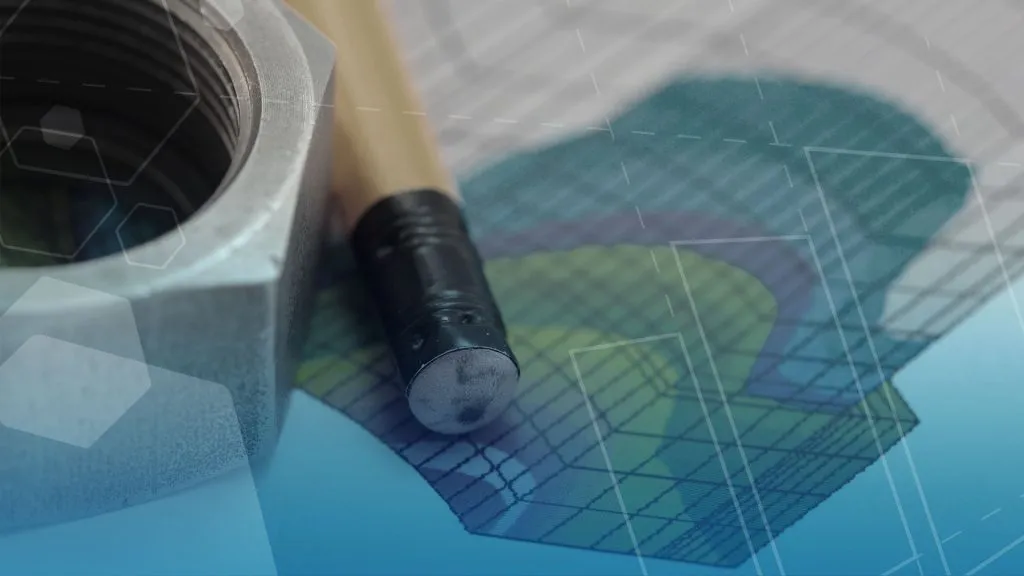
CAE (computer-aided engineering) simulation is a form of virtual testing that uses physics‑based solvers to model real‑world behavior. These solvers are used to study structural response, heat transfer, fluid flow, and electromagnetic effects before manufacturing a design.
Simulation helps engineers visualize how geometry, materials, operating conditions, and manufacturing methods affect performance. This includes behaviors that are difficult to observe directly, like electromagnetic fields, or would require long‑duration testing, such as fatigue damage and thermal cycling.

When applied early in product development, CAE simulation enables engineers to compare concepts quickly, understand failure modes sooner, and explore corrective actions before committing to tooling changes, redesigns, or additional test cycles.
Physical testing still plays a critical role. It validates safety, performance, and regulatory compliance. Simulation is not a replacement for physical testing, but it helps teams approach testing with better confidence and fewer late‑stage surprises.
In contrast to applying simulation early in product development, not all challenges appear right away. Warranty issues, field failures, and fitness-for-service applications often benefit from CAE simulation to help identify root causes, potential solutions, and whether a product is repairable.
Why Use CAE Simulation in Product Development?
CAE simulation allows teams to reduce uncertainty early, focus physical testing where it matters most, and avoid redesigns driven by late‑stage test failures.
For example, structural simulation can highlight resonance issues in brackets or mounts long before prototyping on a shaker table in the lab. Thermal and flow simulation can expose airflow restrictions or overheating risks early in electronics development. Electromagnetic analysis can verify the safety of a wearable product for humans using Specific Absorption Rate analysis.
CAE simulation is also widely used ahead of formal validation testing. Teams routinely use it to:
- Evaluate drop, shock, and vibration scenarios before ISTA or MIL‑STD tests
- Study rollover or falling‑object load cases ahead of ROPS and FOPS certification
- Perform EMC and EMI pre‑compliance checks before testing in a lab
- Assess gasket and O‑ring sealing behavior prior to IP rating tests
- Estimate temperature rise and airflow trends ahead of UL thermal testing
For durability‑driven programs, fatigue simulation helps replicate loading cycles to test new manufacturing methods, materials, and geometry. This can be supplemented by generative and parametric design of experiments to optimize a design.
Predicting Performance Earlier in the Design Process
Simulation allows teams to test and evaluate designs virtually before committing to physical prototypes or test cycles. Using physics-based mathematical models, engineers can predict how products behave under real-world conditions, including structural loads, temperature effects, fluid flow pressure, machine & shipping vibrations, and electromagnetic fields. This reduces guesswork early in development and helps shorten the overall design cycle.

Rather than relying solely on historical data from previous designs or multiple rounds of physical prototyping, simulation provides measurable insight much earlier in the process. Engineers can identify potential failure modes sooner, explore alternatives faster, and reduce the likelihood of late-stage test failures that drive redesigns, requalification, and tooling changes.
At its core, simulation helps answer practical engineering questions:
- Will this part fail under load?
- Will temperatures stay within acceptable limits?
- Will fluid flow as intended or expected?
- Will electromagnetic performance meet requirements?
Many of these behaviors can be difficult, time-intensive, or costly to understand, especially when specialized facilities or repeated prototype test cycles are required.
Simulation is also valuable when challenges appear late. When tests fail, field issues arise, or warranty concerns surface, simulation can play a key role. Simulation enables troubleshooting root causes, evaluating corrective actions, and determining whether a product should be redesigned or can be repaired safely.
By testing designs virtually, teams gain earlier insight into performance, focus physical testing where it matters most, and reduce overall development risk across the full product lifecycle.
Simulation is commonly used to:
- Reduce risk ahead of validation, certification, and regulatory testing
- Minimize repeated prototype builds driven by test failures
- Troubleshoot late-stage issues without full redesigns or tooling changes
- Support informed decisions on durability and repairs for fitness for service
MODSIM – Modeling and Simulation Combined
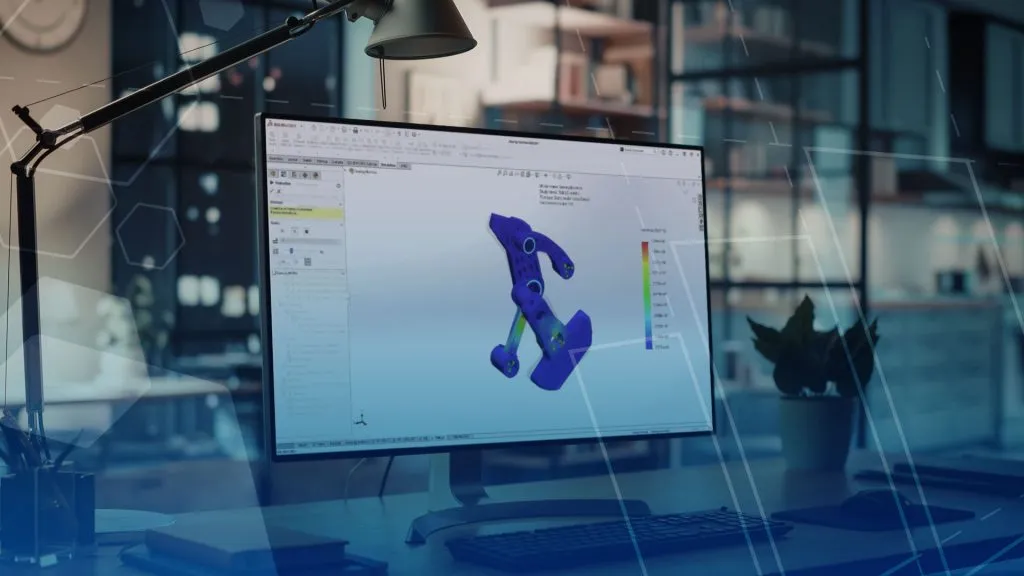
You may have heard this term before, but what does it mean in practice? The first analysis tools that engineers used traditionally were separated from any CAD models and even instances with no existing CAD data. Under the Dassault Systèmes tools, the CAD environments are integrated or embedded with our CAD tools like SOLIDWORKS, CATIA, and 3DEXPERIENCE.
This allows engineers to rapidly iterate on a design in CAD while maintaining a connection with Simulation. Avoid rebuilding an analysis from iterated geometry and the ability to leverage CAD design intent for design of experiments studies.
Types of CAE Simulation
Structural Finite Element Analysis (FEA)
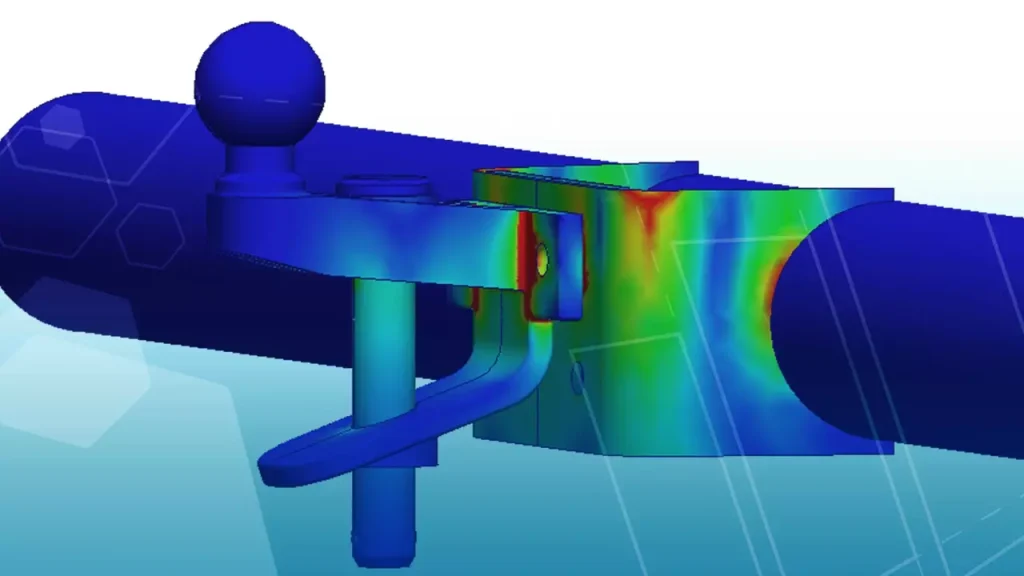
- Structural and finite element simulation is used to evaluate strength, stiffness, fatigue life, and failure risk across metals, plastics, elastomers, and composite materials under real‑world loading conditions.
- Typical applications include durability studies, nonlinear material and contact behavior, impact and drop analysis, and pre‑test evaluation against regulatory or industry requirements
Computational Fluid Dynamics (CFD)
- CFD is used to analyze how gases and liquids flow through or around products and how heat is transferred.
- Common applications include electronics cooling, thermal management, pressure drop estimation, aerodynamic studies, and fluid‑structure interaction effects.
Electromagnetic Simulation
- Electromagnetic simulation is used to study electric and magnetic field behavior across low‑ and high‑frequency applications.
- Typical use cases include antenna performance, EMI and EMC studies, power and signal integrity, Motor Design, and pre‑compliance analysis before lab testing.
Plastics and Injection Molding Simulation
- Plastic and injection molding simulation predicts how polymer materials flow, cool, and solidify during manufacturing.
- Engineers use it to evaluate fill patterns, weld lines, sink, warpage, residual stress, and how molding decisions influence downstream structural performance.
Simulation Software vs Simulation Expertise
Simulation problems can vary in complexity. Some studies can be handled effectively with basic training and well‑defined workflows. Others involve complex materials, failure mechanics, multiphysics, or results that need careful interpretation to match real‑world behavior.

Because of this range, simulation is rarely just about software. It is about experience and expertise. TriMech supports simulation for all experience levels, depending on what an engineering team needs.
This includes:
- Foundational simulation training for teams looking to apply simulation more consistently and standardize it across the team.
- Client Care Visits to provide your team with general best practices or tips and tricks
- One‑on‑one style mentoring services focused on real designs and day‑to‑day questions to help you learn the tools while completing a project.
- Full scope project‑based simulation support when specific engineering problems need to be answered without taking the work in‑house.
A common first step into simulation is an initial project treated as a pilot or validation effort. TriMech helps run the analysis, check assumptions, and correlate results to expected behavior or test data. That same project can then be used in future mentoring, allowing internal engineers to learn through real analysis using their designs. This keeps the focus on your application, building future training examples, and at the same time tackling any immediate analysis needs.
Simulation Does Not Exist in Isolation
In real product development, simulations rarely stand alone.
Design decisions are influenced by data management, automation, and how parts will be manufactured. This is where broader engineering support becomes valuable.

At TriMech, our Simulation team works alongside experts with deep experience in:
- Data management, PLM, and MBSE workflows to keep simulation aligned with design revisions
- Electrified Designs: Wiring, Harnesses, PCBs
- Design Automation Tools to minimize manual effort for configurations
- Additive manufacturing technology and materials
- Engineers gain access to industry experience across multiple disciplines, not just simulation specialists working in isolation
How TriMech Supports CAE Simulation
TriMech supports a wide range of engineering simulation tools, from CAD‑embedded analysis through advanced multiphysics and cloud‑enabled solvers. Our teams work across the SOLIDWORKS and SIMULIA portfolios, helping engineering teams choose the right tools for the complexity of the problem at hand.
While considering who’s going to be using the software, where simulation fits in your workflow, and the least effort required to provide valuable insight. Along with helping investigate potential Virtual Twin representations of your product testing environment, and automation opportunities.

Related Service
Ready to learn more?
Whether you need expert guidance, product support, or simply explore your options, our team is here to help.