By
By SOLIDWORKS is the industry-leading and most widely used professional 3D CAD software. While part of a larger ecosystem of tools that span the entire engineering ecosystem, SOLIDWORKS 3D CAD is your dedicated tool for part, assembly, and drawing creation.
For over 25 years, SOLIDWORKS has been the trusted industry standard in design and engineering. SOLIDWORKS offers easy 3D design and product development tools. These tools help you think of, create, test, share, manage, and turn your ideas into great product designs.
Why Do I Need SOLIDWORKS 3D CAD?
By using SOLIDWORKS, you eliminate a lot of the complexity that would come from having to create complex 2D drawing views manually. Additionally, the ability to create and reference whichever views you need for a drawing reduces the amount of ambiguity that comes from reducing your designs to a few pieces of paper. Getting clearer designs to your clients faster is one of the best ways to transform your business.

Creating detailed SOLIDWORKS drawings with ease
Since SOLIDWORKS is a 3D CAD tool, you can validate the form, fit, and function of your designs without having to produce physical prototypes. SOLIDWORKS has a multitude of built-in tools that can help you calculate interference, the mass properties of a design, and quickly iterate through design changes. By working in the digital world with a true representation of your idea, you’re able to fully realize the design potential without racking your brain on how to put it on paper.
Who Uses SOLIDWORKS?
As the industry leader, SOLIDWORKS is used by engineers, designers, and manufacturers across the globe. While the most common industries are for consumer products, automotive, aerospace, and electronic design, SOLIDWORKS has use cases for furniture manufacturing, swimming pool design, and artificial intelligence hardware. No matter your needs, SOLIDWORKS has a solution for you.

SOLIDWORKS is also the 3D CAD tool of choice for many colleges and universities, meaning that graduates often have years of experience and could make an excellent addition to your talent pool. With a strong presence in the Makers and Startup communities, SOLIDWORKS 3D CAD is a strong choice for long-standing companies and new entrepreneurs alike.
How can I buy SOLIDWORKS?
SOLIDWORKS is typically purchased through a Value Added Reseller (VAR) who can provide training and support for your licenses. This means that you’ll have an additional layer of technical troubleshooting should anything go wrong without having to rely on internet forums or long lead times.

SOLIDWORKS is available to purchase in four different packages: Standard, Professional, Premium, and Ultimate. As the package level gets higher, you begin to gain additional functionality within the software. For example, SOLIDWORKS Standard is your traditional 3D CAD package, allowing for parametric design of your designs while leveraging design techniques for solid, surface, and sheet metal modeling. However, if you determine your team needs to be able to route electrical cables accurately or want to use the advanced surface flattening tools, then you would want to use SOLIDWORKS Premium.
How do I learn SOLIDWORKS CAD?
The best way to learn any new tool is through formal, instructor-led training courses. TriMech offers both in-person and virtual classroom training with classes tailored to both new users and seasoned veterans. If there is a specific topic you’d like to learn more about, we have a training course for that.
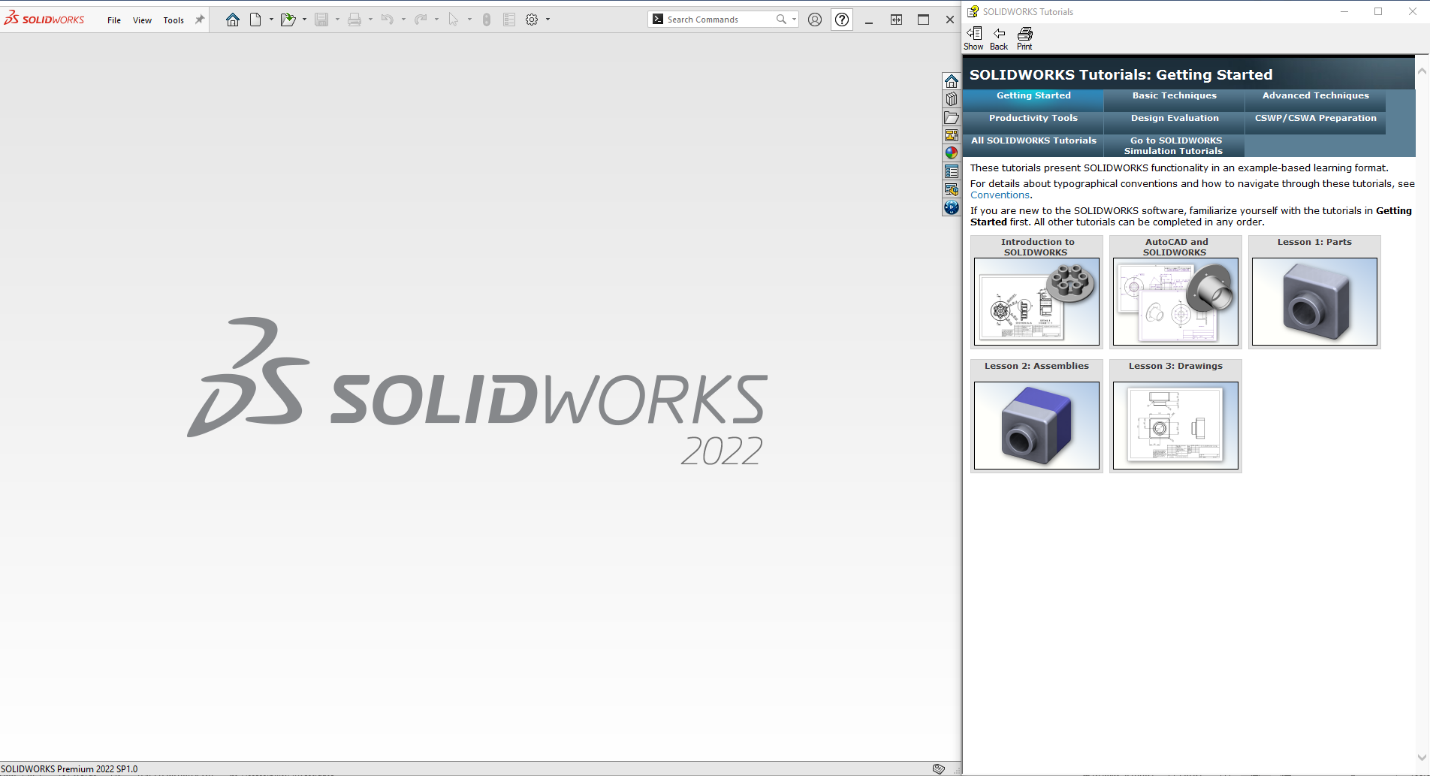
Your SOLIDWORKS subscription also gets you access to MySOLIDWORKS and the built-in SOLIDWORKS tutorials. Although not a replacement for formal training, the combination of these two great tools can give you a foundation and starting point to learn even the most complex modeling techniques.
How can my whole team use it?
The SOLIDWORKS 3D CAD ecosystem encompasses tools that cover the entire engineering design cycle. Whether you’re a designer, machine programmer, or simulation analyst, SOLIDWORKS has tools that not only let you work more efficiently but also more collaboratively. SOLIDWORKS 3D CAD might be the starting point, but there is no limit to your team’s potential.
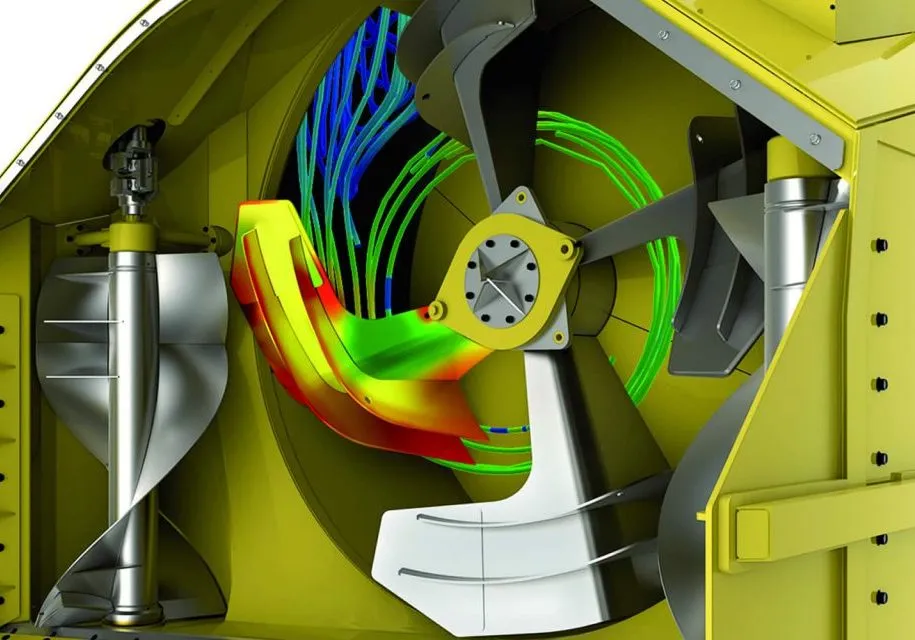
Once the design is complete, you can directly pass the files over to the integrated simulation tools and use SOLIDWORKS Simulation for FEA or into SOLIDWORKS Flow to run a CFD study. If the design needs tweaks, all that’s needed is to adjust the model and rerun the study. From there, it could be passed to SOLIDWORKS Composer for assembly instructions or used to generate first-article inspection reports.
How can I learn more?
Ready to take the plunge and make SOLIDWORKS 3D CAD your platform of choice, but not sure how to start? Check out our SOLIDWORKS Price Guide which details all the costs associated with purchasing a license. Our team of certified, technical experts are also here to help you with your decision-making process.
We recognize that investing in SOLIDWORKS is a significant step for your business, and you want to be certain that you choose the correct SOLIDWORKS package for your team. Whether you’re looking to purchase a single license or want a large-scale implementation, arrange a complimentary consultation call with us today.
Ready to invest in the SOLIDWORKS CAD ecosystem? Contact us today!

Related Software
SOLIDWORKS
SOLIDWORKS 3D CAD software includes design, simulation, technical communication, and data management features. Powering innovative design with specific tools that help you work more efficiently so you can make better design decisions.