




TriMech Category
Showing 1-15 of 72.
SOLIDWORKS PDM
Learn more about the SOLIDWORKS PDM / Product Data Management software and services available from TriMech

Getting to Market Faster: From Design to Production Event
Join the Getting to Market Faster: From Design to Production event to learn how to reduce rework with SOLIDWORKS, simulation, and additive workflows.
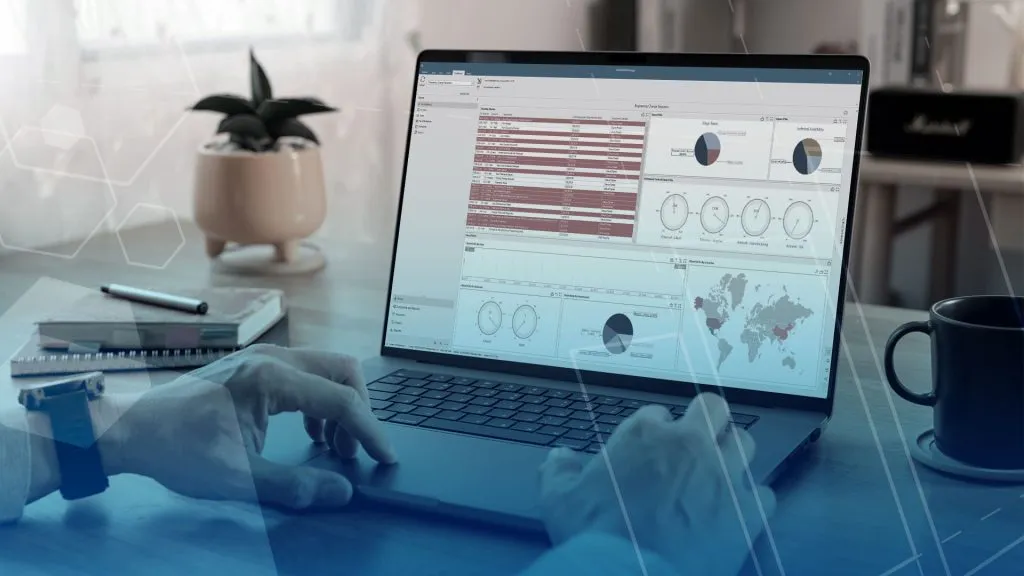
SOLIDWORKS Inspection ROI Calculator
Use our SOLIDWORKS Inspection ROI calculator to quantify time savings, improved accuracy, and faster inspection reporting with automated workflows.

Top 5 Reasons to Upgrade from SOLIDWORKS PDM to SOLIDWORKS Manage
Are you getting the most out of your SOLIDWORKS PDM investment? In this webinar, we explore how SOLIDWORKS Manage builds on the familiar foundation of…

Aerospace and Defense
Engineers across the aerospace and defense industry partner with TriMech for the expertise and support needed to satisfy customer requirements, maximize performance, and meet strict safety and compliance standards.

What is ITAR Manufacturing? | Why Regulatory Compliance Matters for your Organization
The government relies on ITAR manufacturing to design, develop, and build things for the aerospace and defense industry. The restrictions put in place for ITAR…
How to Know When Engineering Change Outgrows SOLIDWORKS PDM
Teams are usually concerned about leaving SOLIDWORKS PDM behind if they find that their engineering change processes outgrow it. Fortunately, SOLIDWORKS Manage extends their vault rather than replacing it outright.
Comparing Common Cloud-Based SOLIDWORKS File Management Systems | Why You Need CAD-Aware Data Management
SOLIDWORKS file management systems typically fall into CAD-aware and non-CAD-aware categories, and choosing the wrong option could lead to issues with your company’s intellectual property. The most critical piece of data you produce is the SOLIDWORKS projects that drive your business forward, so it is important to keep that protected.

Best Practices for Working Remotely with SOLIDWORKS
Working remotely with SOLIDWORKS requires more than simply connecting from a different location and hoping performance holds up. Hardware, licensing, network architecture, and data management all play a role in determining whether remote work is productive or frustrating.
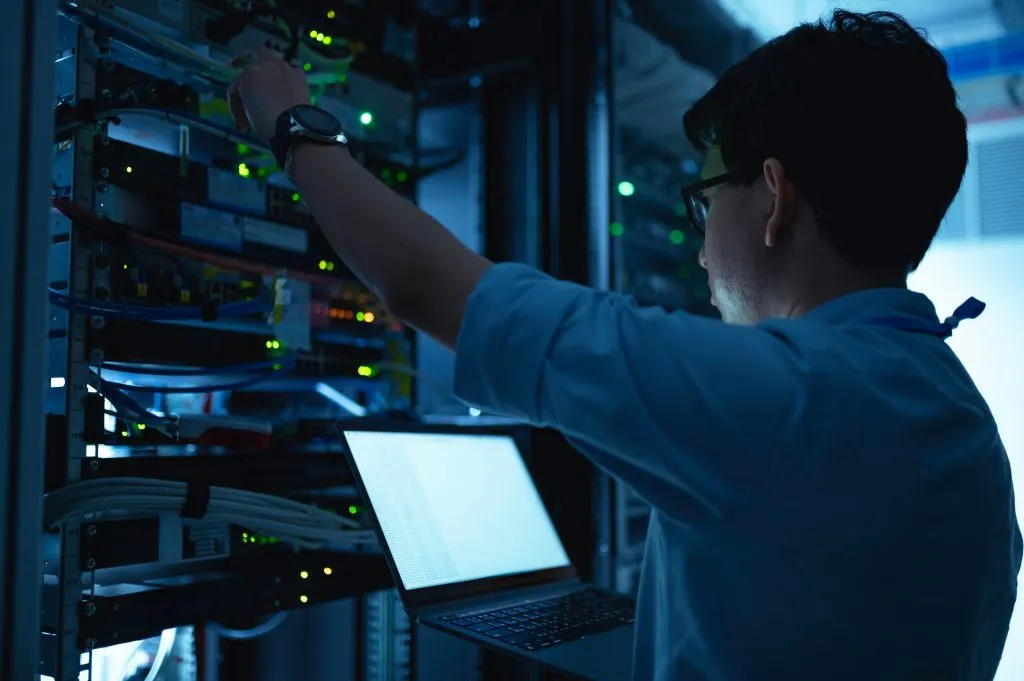
SOLIDWORKS PDM Health Check
TriMech’s SOLIDWORKS PDM Health Check service provides an expert review of your SOLIDWORKS PDM environment to assess overall system health, performance, and reliability.

Best Practices for Working Remotely with SOLIDWORKS PDM
Working remotely with SOLIDWORKS PDM doesn’t have to be challenging. By leveraging check‑in/check‑out workflows, using VPN connections strategically, taking advantage of the Web2 client, and considering vault replication, engineering teams can maintain seamless collaboration across any distance.

Why Engineering Teams Upgrade from SOLIDWORKS PDM Standard to Professional
For many small teams, SOLIDWORKS PDM Standard may meet basic, day-to-day, operational needs. However, as engineering teams grow and documentation processes become more formalized, the Standard version may start to feel restrictive.
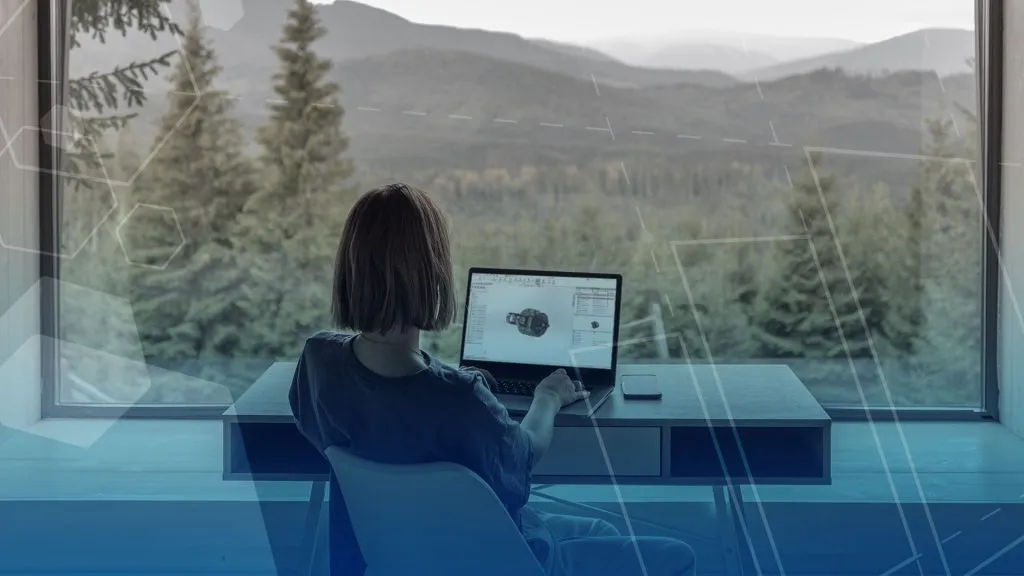
Top 5 Considerations for Working Remote with SOLIDWORKS PDM
These five things will be important to keep in mind when it comes to working remote with SOLIDWORKS PDM to enable your team to stay connected to design data when paired with the right architecture and access methods.

Design-2-Part Trade Show Novi, Michigan
The Design-2-Part Show is the most efficient place to meet hundreds of high-quality American suppliers of custom parts, stock parts, and manufacturing services.
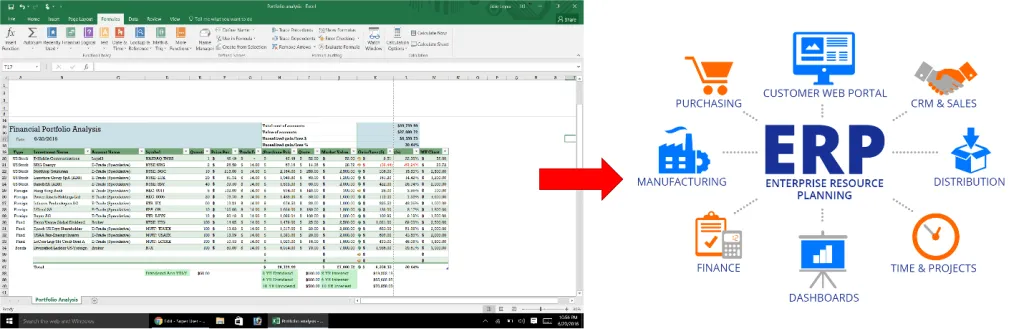
How to Unify EBOM and MBOM
BOMs(Bills of Materials) are used to list the materials or components that make up a product and that list can be represented in many forms,…

Mastering Remote Work in SOLIDWORKS | Proven Strategies for Speed, Stability, and Collaboration
Working effectively with SOLIDWORKS from a remote environment comes with unique challenges. In this webinar, TriMech Solutions Consultants Sarah Taylor and Kevin Seyler will guide you through the practical considerations, tools, and proven workflows that help engineers stay productive when working remotely with SOLIDWORKS.